Segmentation that puts every customer in the right bucket
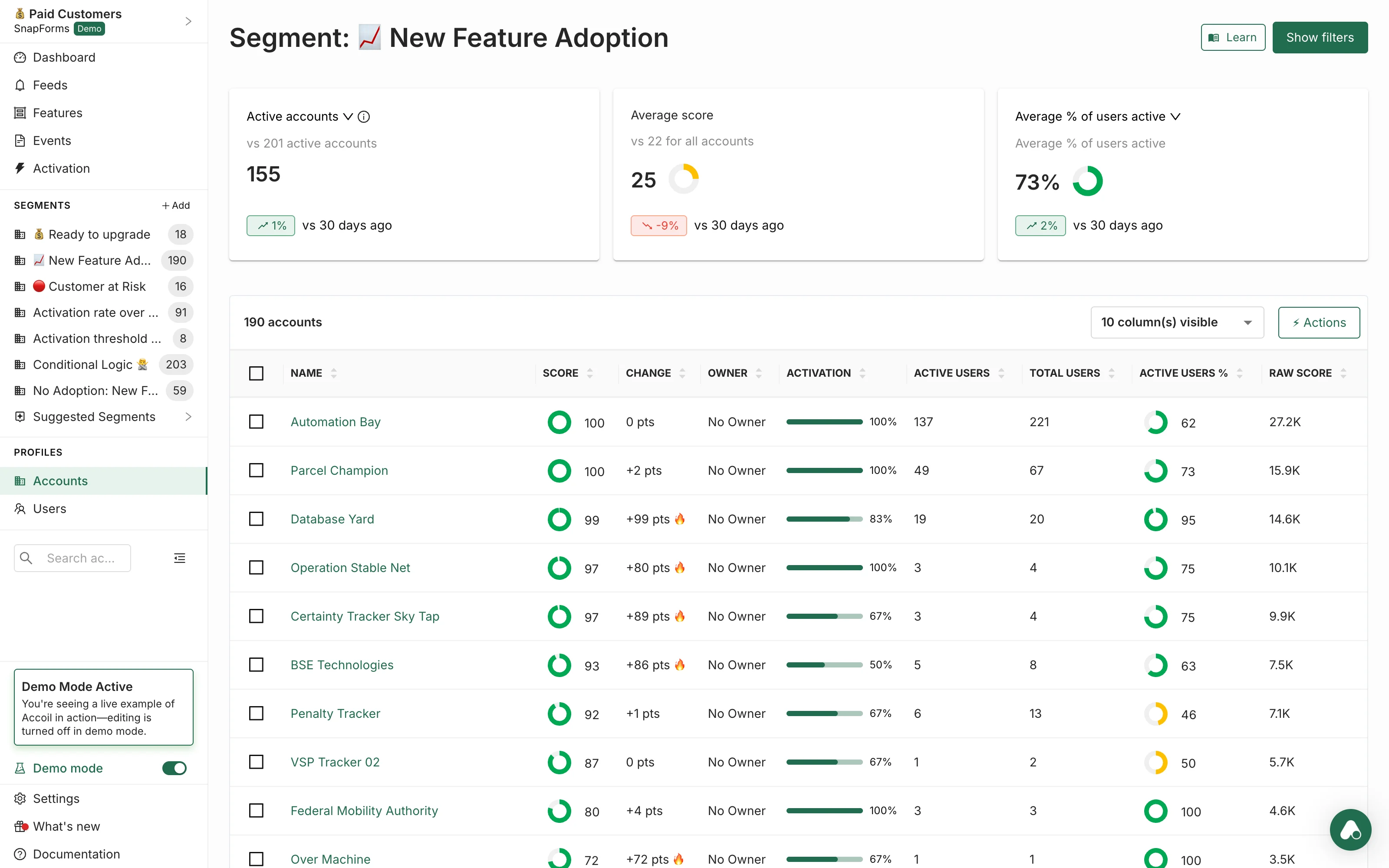
Build dynamic customer segments and audiences based on real product usage — not static fields or best guesses.
Find the accounts that matter. Trigger the right plays. Keep segments fresh automatically.
Why segmentation matters
Most SaaS teams rely on manual lists or static CRM fields that age badly. Segments change constantly as customers use your product — and unless your segments update automatically, your outreach, onboarding, and churn workflows are always behind. Segmentation turns product usage into precise, live audiences you can act on.
- No more manual list-building
- No more "stale" filters in CRM
- Every team gets the audiences they need, driven by behaviour
Key capabilities
Dynamic segments
Build lists that update automatically as customers change behaviour.
Account and user filters
Target entire accounts or drill down into individuals.
Usage-based conditions
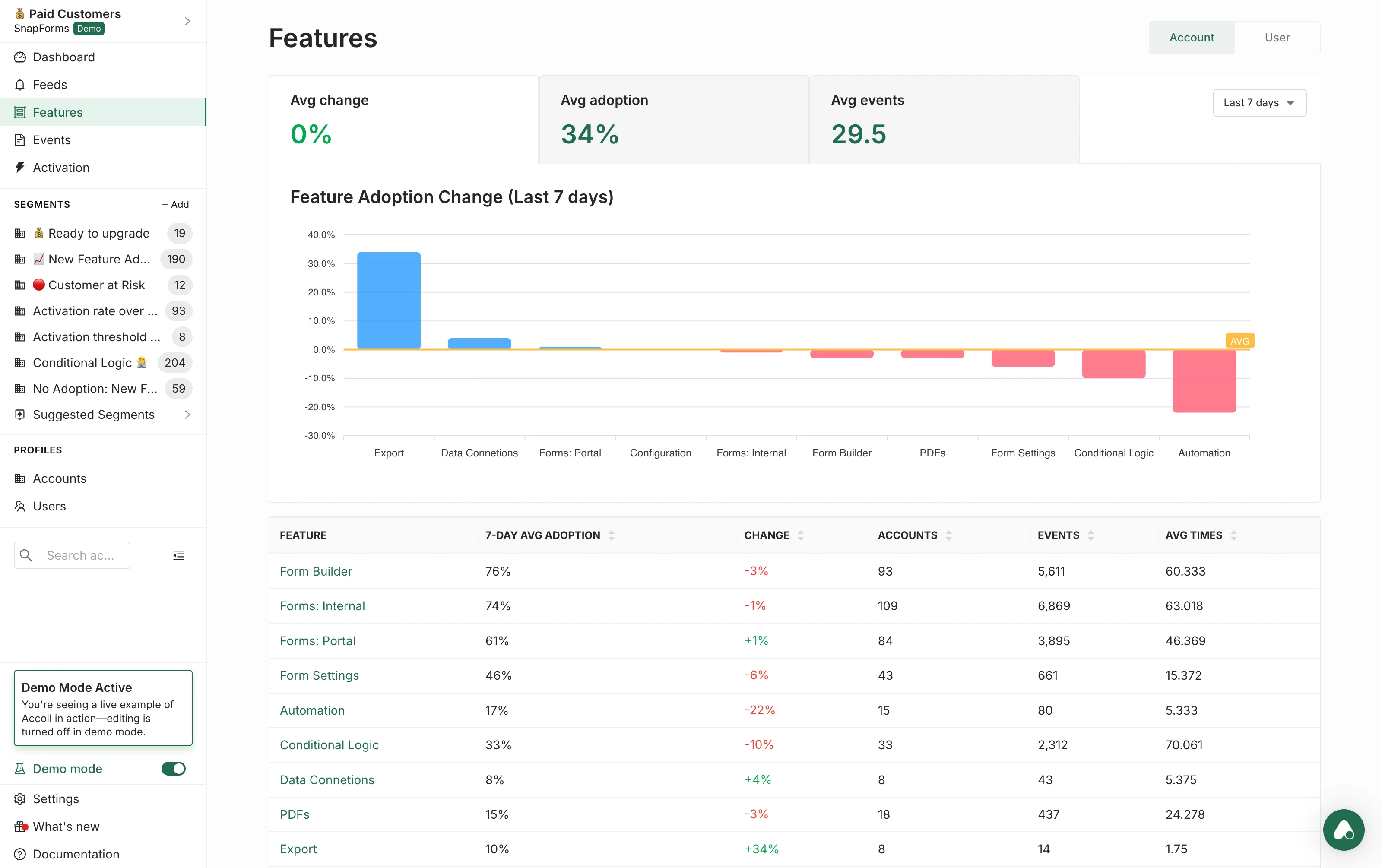
Create segments based on events, activation steps, or feature usage.
Audiences for other tools
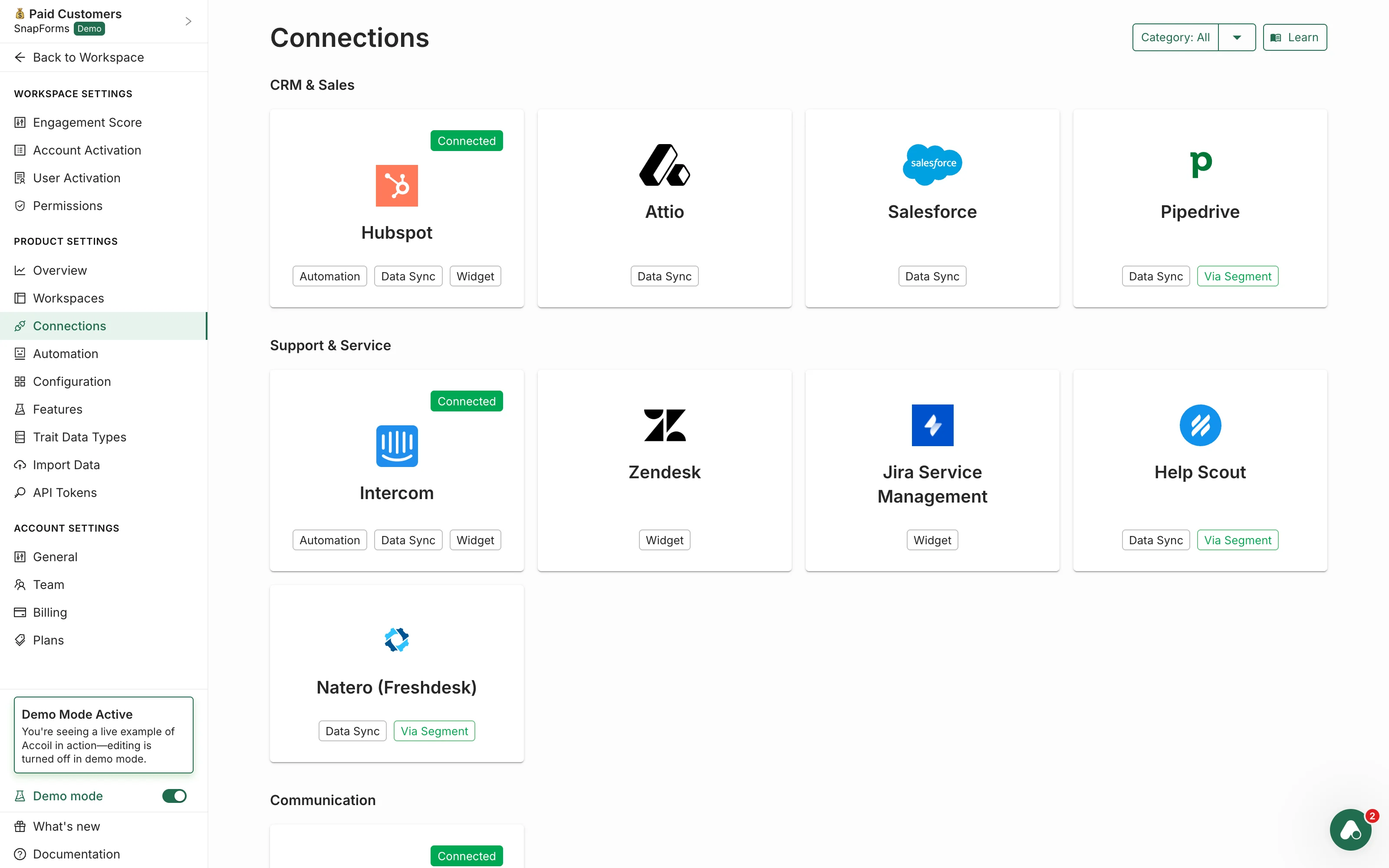
Send segments to HubSpot, Salesforce, Intercom, and more.
How it works
Start with your data
Use any event, trait, score, or property from your product.
Combine filters and logic
Build segments based on usage patterns, activation steps, recency, frequency, or engagement score thresholds.
Keep them live with real-time updates
Segments refresh continuously — no exports, no spreadsheets, no manual work.
Segments work across accounts and users.
Integrations & actions
Connect segmentation to the wider system — so every team can act on the right audiences.
CRM sync
Send any segment to Salesforce or HubSpot as a live list.
Messaging & in-app tools
Sync behavioural audiences with Intercom or messaging tools.
Trigger actions
Trigger actions when someone enters or exits a segment.
Signals Feed
Add segment changes to the Signals Feed for visibility.
What this unlocks
For customer success
- Build churn-risk lists
- Prioritise who needs help or a check-in
For sales & expansion
- Build warm expansion lists
- Spot accounts hitting usage milestones
For support & AI
- Feed accurate audience context to AI assistants
- Tailor support workflows based on behaviour
For product teams
- Identify power users
- Compare behaviour across different cohorts
For marketing
- Build nurture audiences
- Target users based on activation status or product fit
“Segments became our central way of prioritising accounts. Every team uses them — and they're always current.”
See how Accoil works
Discover how segmentation — and the rest of Accoil's features — can help your teams find the right customers and take the right action.